
Once your SpecConnect account has been created you should receive a welcome email from alerts@specconect.net with instructions about how to set-up your account password. Sometimes this email may get routed to your Spam or Junk folder, so be sure to look there if you haven’t received anything in your Inbox within a reasonable period of time.
To set-up your initial password navigate to https://www.specconnect.net and click on the New User or Forgot Password link:
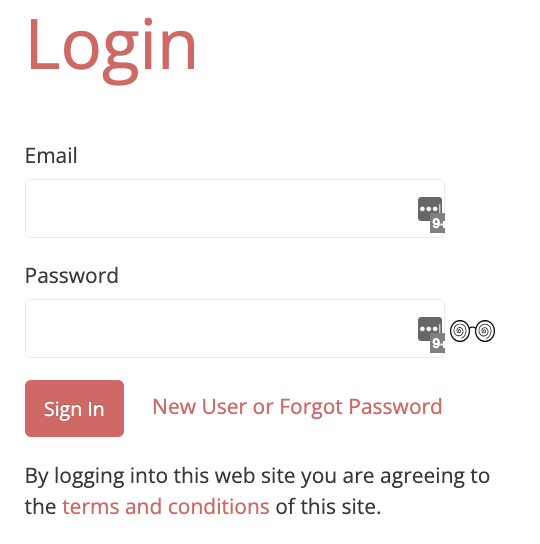
This link will take you to a page containing the following:
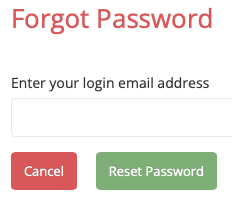
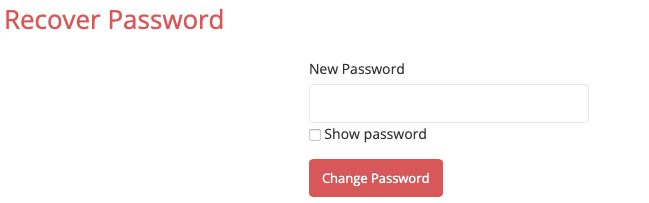
At this point you should receive an email containing a link to reset your password. Clicking on the link will then take you to another page where you are able to set (or change) your password:
Personalized User Settings
Once you login to SpecConnect click on your name in the upper right hand corner to expose a dropdown menu containing a User Settings item. Click on this item to navigate to a page where you can personalize various SpecConnect settings include:
- Your Name
- Language
- Unit Preferences for Temperature, Rainfall (depth), Pressure, (Wind) Speed and Compaction (all other sensors have fixed units)
- Phone number to receive SMS updates related to changes in device status.
- Export file separator character
- Date/Time format
- Email notification opt-in/out